Why Print a Test Page? 5 Quick Benefits That Fix Printers
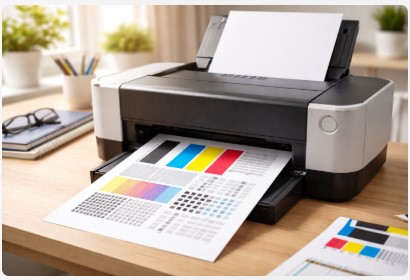
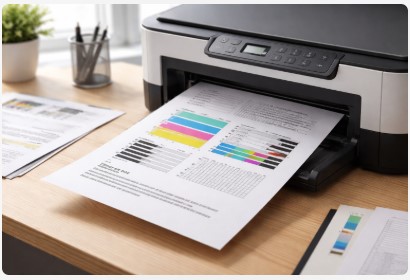
A printer test page is one of the simplest diagnostic tools built into every printer. Learn why printing a test page helps detect issues early, improve print quality, and prevent wasted ink.
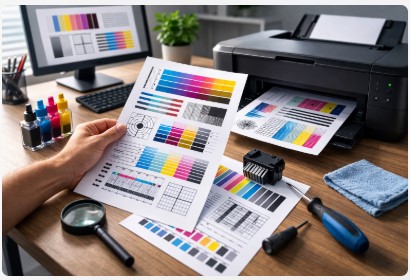
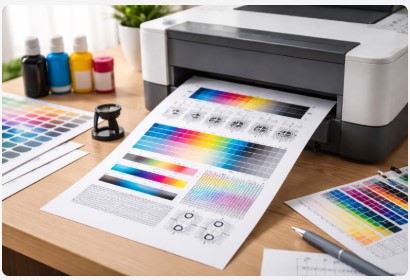
A printer diagnostic page is the fastest way to detect print quality problems like streaks, faded colors, or alignment issues. This guide explains how to print, read, and use diagnostic pages to troubleshoot common printer problems.
A printer color calibration test page helps diagnose color problems like faded prints, color shifts, and poor alignment. This guide explains how to print the calibration page, analyze the results, and quickly restore accurate color output.
A printer quality test page is the fastest way to diagnose streaks, faded colors, and alignment problems. This guide explains how to print a test page and read the results to quickly fix common printer issues.
A laser printer test page is the fastest way to diagnose streaks, faded prints, or toner issues. This guide explains how to print a test page and interpret the results step by step.
A printer calibration test page helps you correct alignment issues, restore color accuracy, and diagnose printing problems. Learn how to print and use one step-by-step.
A print head cleaning test page helps diagnose clogged nozzles, missing colors, and poor print quality. Learn how to print and interpret the results.
An inkjet printer test page helps you quickly check ink levels, color accuracy, and print quality. Learn how to print, download, and interpret the results.
Quickly diagnose printer issues by printing a self test page. Our guide covers checking ink alignment, nozzle health, and print quality on all major brands.
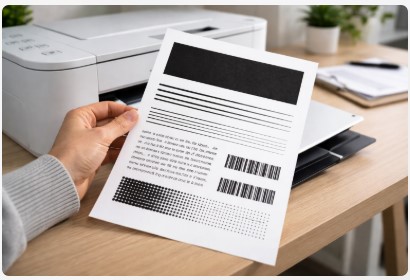
A Black and White Print Test Page helps you quickly check printer performance, black ink density, and text sharpness. Learn how to download, print, and diagnose common printing problems.